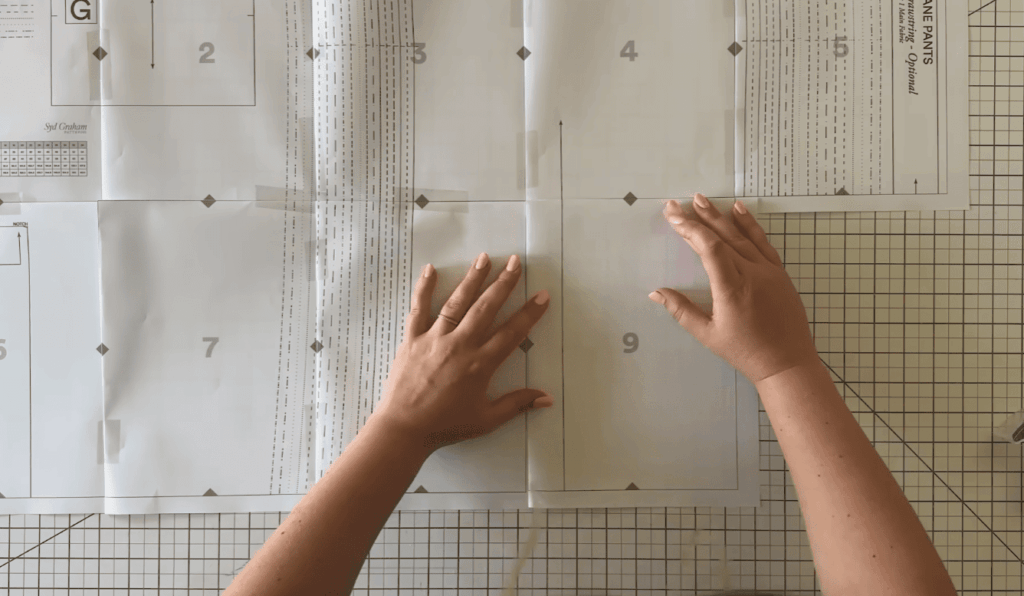
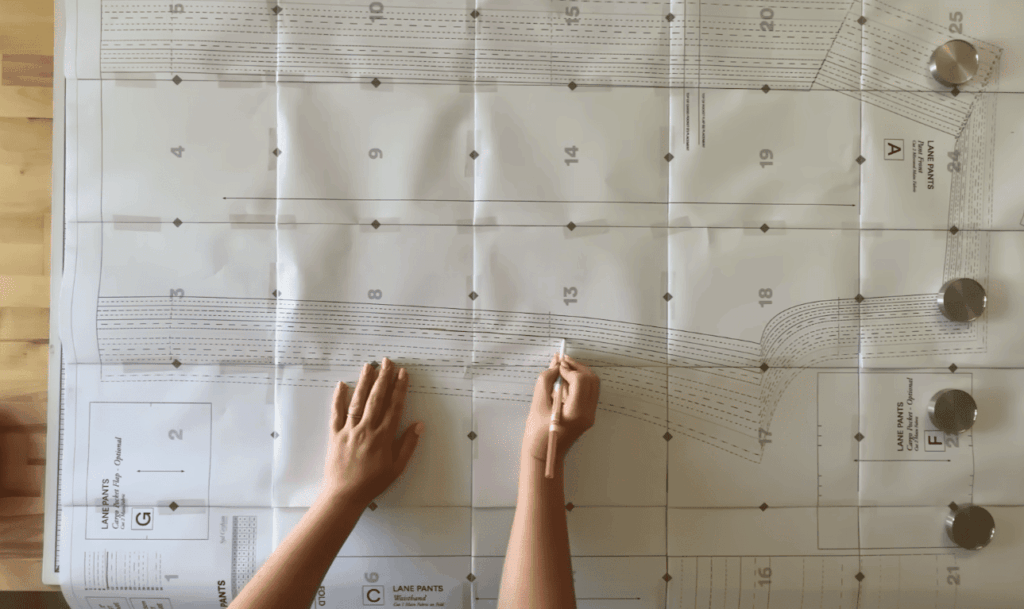
Did you know the average digital PDF pattern can require assembling over 40 standard pages? That’s a lot of tape and time spent on the floor.
Many crafters face this tedious task after buying a digital design. Aligning and piecing together letter or A4 sheets is a common frustration.
Fortunately, a convenient alternative exists. Professional services specialize in large-format reproduction. They offer A0-sized or 36-inch wide options that arrive ready to use.
These services save you hours and improve accuracy. You get better paper quality and precise scaling. Your project pieces are delivered right to your door, neatly folded.
This guide will help you navigate file requirements and find reliable partners. We’ll cover optimizing your PDFs and managing orders efficiently.
Modern providers understand the need for precision. They work with files from indie designers, vintage collections, and contemporary sources.
Key Takeaways
- Home assembly of digital patterns is often time-consuming and frustrating.
- Professional large-format printing eliminates the need to tape pages together.
- Services typically use A0 or 36-inch wide paper for full-size pattern pieces.
- Benefits include time savings, superior accuracy, and higher-quality paper.
- Finished patterns are conveniently delivered to you, folded and ready for layout.
- These services handle various file formats from many different designers.
- Understanding file requirements is key to a smooth ordering process.
Understanding Your PDF Sewing Pattern Printing Needs
Not every PDF you download is formatted for large-scale reproduction. The first step is knowing what you have. Designers typically provide two versions: a tiled file for home printers and a large-format file for professional services.
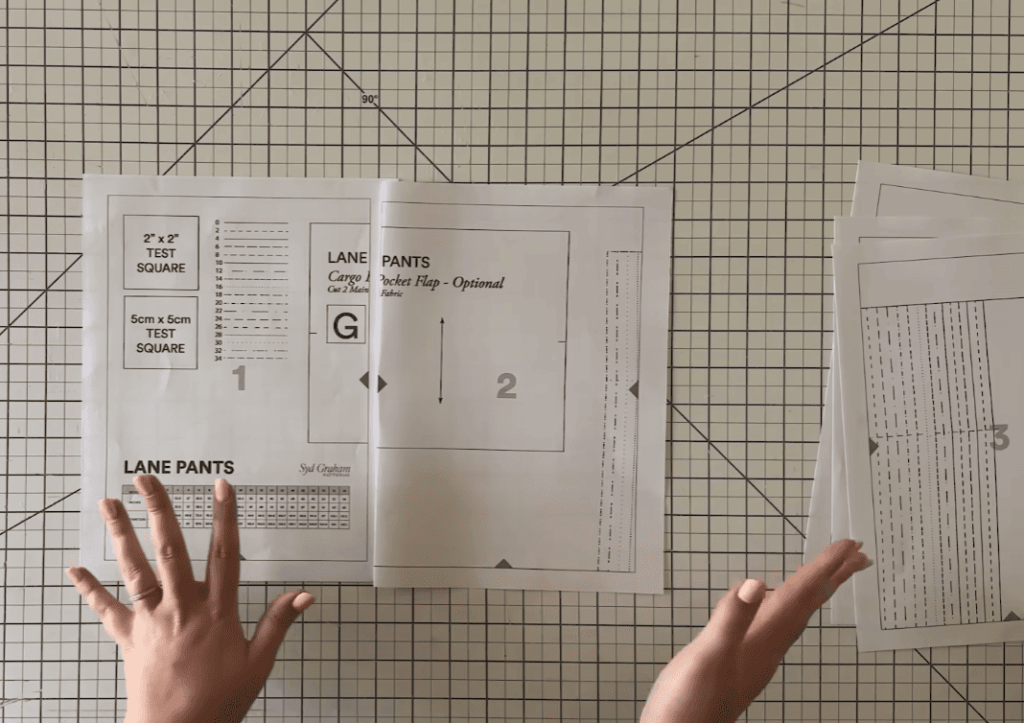
Only the large-format file works for professional printing. Look for keywords like “A0,” “copyshop,” or “printshop” in the filename.
File Requirements and Dimensions
Services accept two primary format types. The international A0 standard measures 33.1″ by 46.8″. The North American standard is a continuous 36-inch wide roll.
They cannot process tiled documents or files wider than 36 inches. Before ordering, check your PDF page count in your reader’s Document Properties.
Many modern PDFs use layers for different sizes. You can specify which layer pattern pieces you need in your order notes.
Paper Quality and Print Durability
Professional services use 18# bond paper. This is slightly lighter than standard copy paper but more durable. It handles repeated folding and handling beautifully.
Remember, output is black and white only. Instruction booklets are not included. For specialized continuous roll formats, contact the printer directly for a cost estimate.
This ensures your project starts with a reliable, full-scale file and sturdy materials.
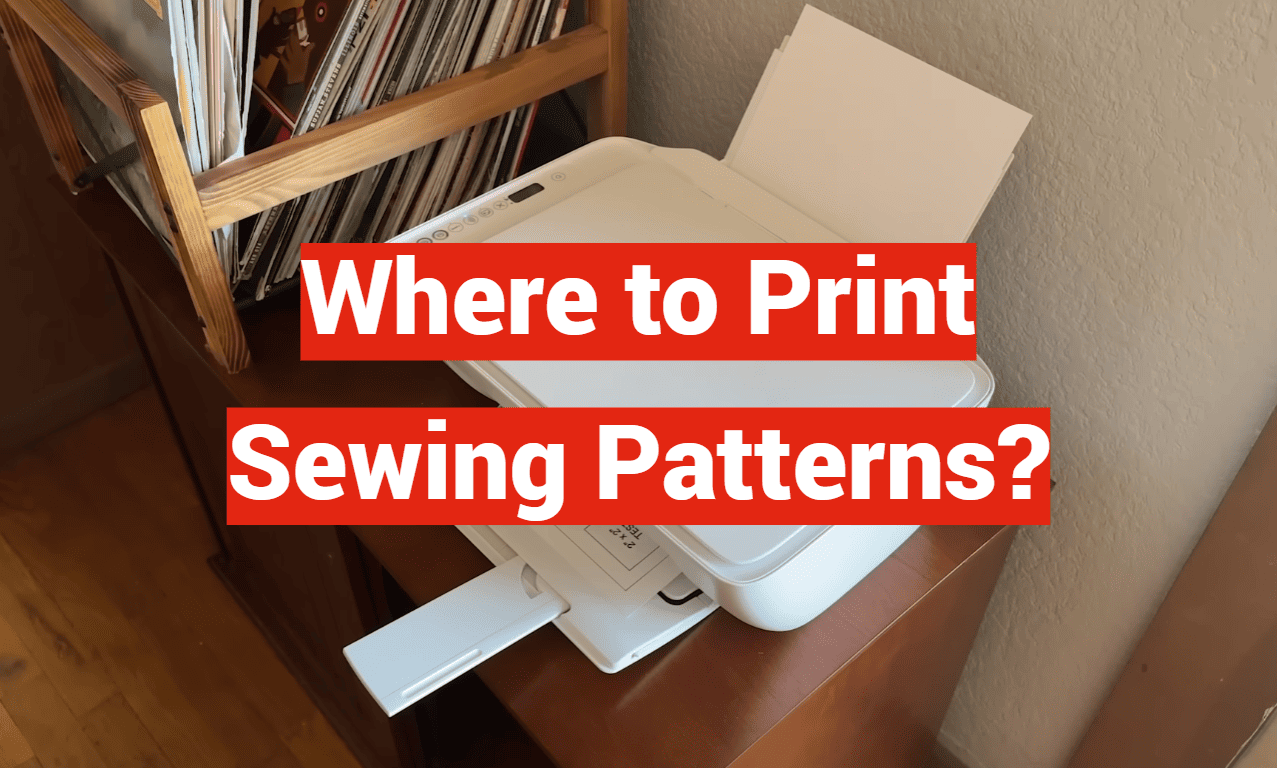
Where to Print Sewing Patterns?
Most crafters find the online ordering system for large format reproduction straightforward. These services are built for user-friendly pattern printing.
Our Printing Process and Guidelines
You start by uploading your pdf pattern file. Each design must be added to your cart separately.
Return to the upload page for more patterns. Then add cart each one. This keeps your files organized.
Base pricing often covers up to 5 A0 pages. Bigger projects may need an extra invoice. The best part? They handle pdfs from any designer.
| Step | Action | Key Detail |
|---|---|---|
| 1. Upload | Select your large format PDF. | Use a computer for best results. |
| 2. Add to Cart | Confirm the item is in your shop. | Repeat for every pattern file. |
| 3. Checkout & Ship | Complete your order. | Patterns are printed, folded, and mailed. |
Optimizing Your PDF for Accurate Pattern Printing
Professional services know precision is vital. They verify every print is true-to-size. Even a tiny error can ruin a garment.
Upload from a computer or iPad. Mobile phones can struggle. Use the order notes section for special requests.
You can specify which size layers to printing. This ensures you get the exact pdf pattern pieces you need.
Streamlining Your Pattern Printing Experience
Avoid unexpected charges and delays by mastering a few simple pre-order checks. A smooth process depends on accurate information before you finalize your transaction.
This approach saves time and ensures you receive exactly what you need.
Tips for Managing Pattern Orders and Quantities
When placing your order, the quantity selector refers to the total number of individual A0-sized pages in your file. It is not the count of designs or pieces.
Each A0 page has a set cost. If you miss a page during checkout, an extra fee applies later. This is often the in-store rate.
Reputable services will contact you about any discrepancy. They send an invoice for additional pages or shipping changes before proceeding.
Uploading Files and Checking Page Counts
Always open your PDF before submitting. Confirm the paper size is A0 or 36-inch wide format. Count every page carefully.
This step directly determines your final cost. Services cannot issue refunds for an incorrect file size. All A0 reproductions are final sale once produced.
| Step | Action | Key Reason |
|---|---|---|
| 1. Verify File Format | Open your PDF. Check document properties. | Ensures it’s the correct large-format version. |
| 2. Count Total Pages | Note the exact number of A0-sized pages. | Sets the accurate quantity and price for your order. |
| 3. Configure Browser | If upload fails, try disabling extensions. | Some add-ons can block the file upload process. |
| 4. Review Before Checkout | Double-check the page count and total cost. | Prevents surprises and ensures a perfect match. |
Ensuring Consistent Quality Every Time
Technical glitches can happen. If you see a blocked extension or extension blocked warning, your browser may be the cause.
Try disabling extensions temporarily. Start with ad-blockers or privacy tools. This method of disabling extensions often fixes the issue.
Re-enable them after your file upload and checkout are complete. The number of pages printed will always match your paid total.
You will get a notification when your orders are ready. Please wait for this alert before visiting for pickup.
Conclusion
Sewists worldwide are discovering the freedom that comes with outsourcing their pattern printing. This service eliminates tedious taping and guarantees true-to-size accuracy. Your pdf pattern pieces arrive at your door, ready for layout.
Always verify your file is in the correct A0 or 36-inch wide format. Count the pages for an accurate order quantity. Expert printers handle the technical details, ensuring perfect printing every time.
Many services ship globally, with free shipping on orders over $150. They are committed to sustainability, offsetting carbon with every package. Remember, you have a 24-hour window to cancel before printing begins.
Customers love the convenience. One says, “Makes life easier! I’m ready to sew!”
Focus on the creative joy of sewing. Upload your file, review your cart, and place your order with confidence.